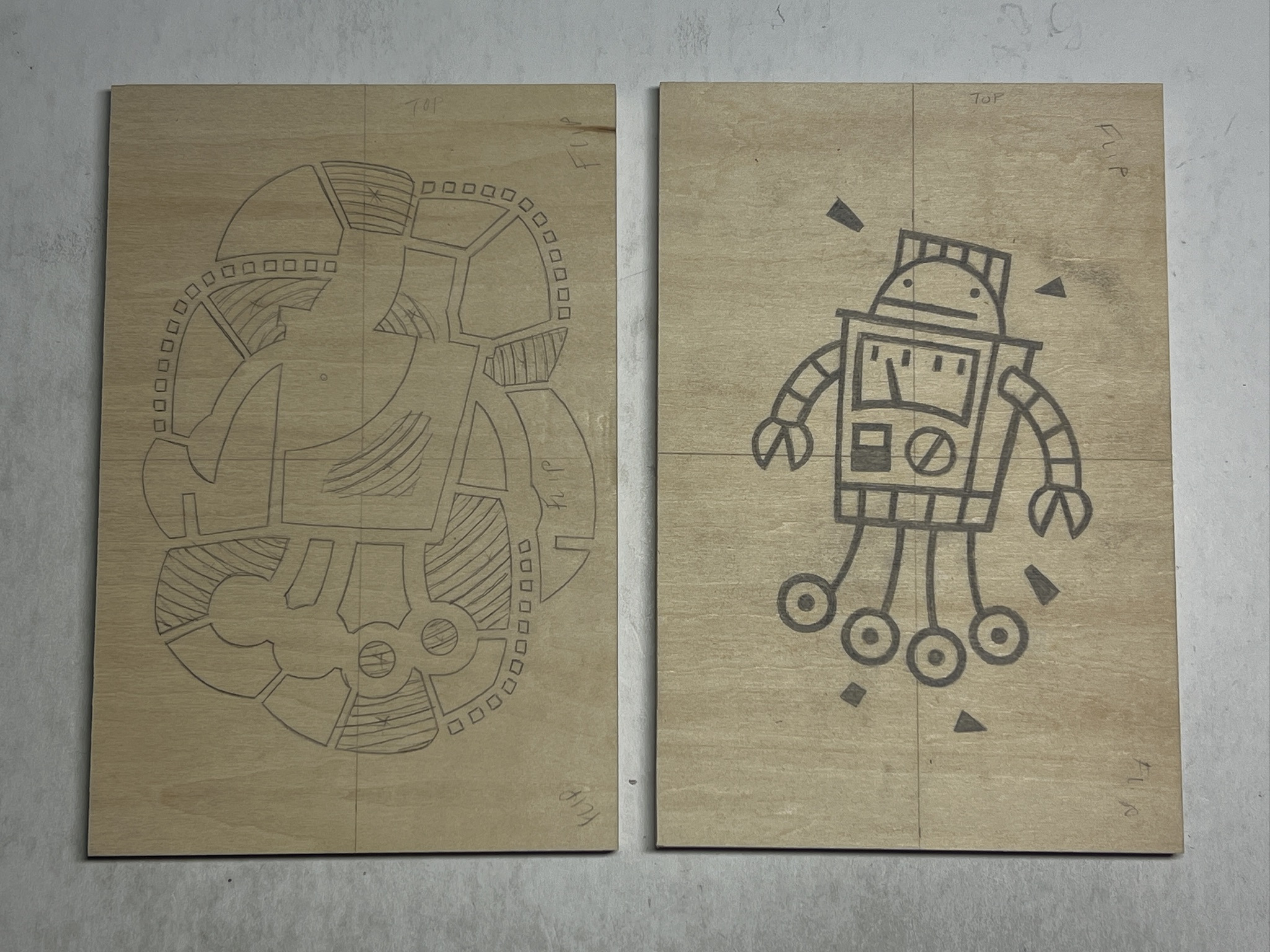
This is how I transfer the image to the carving block. In the past, I have also tried using carbon paper, but that left a heavy residue that even bled through the first impressions when inking (maybe it was just the brand or type of carbon paper I used, but I am happy with the process I use now).
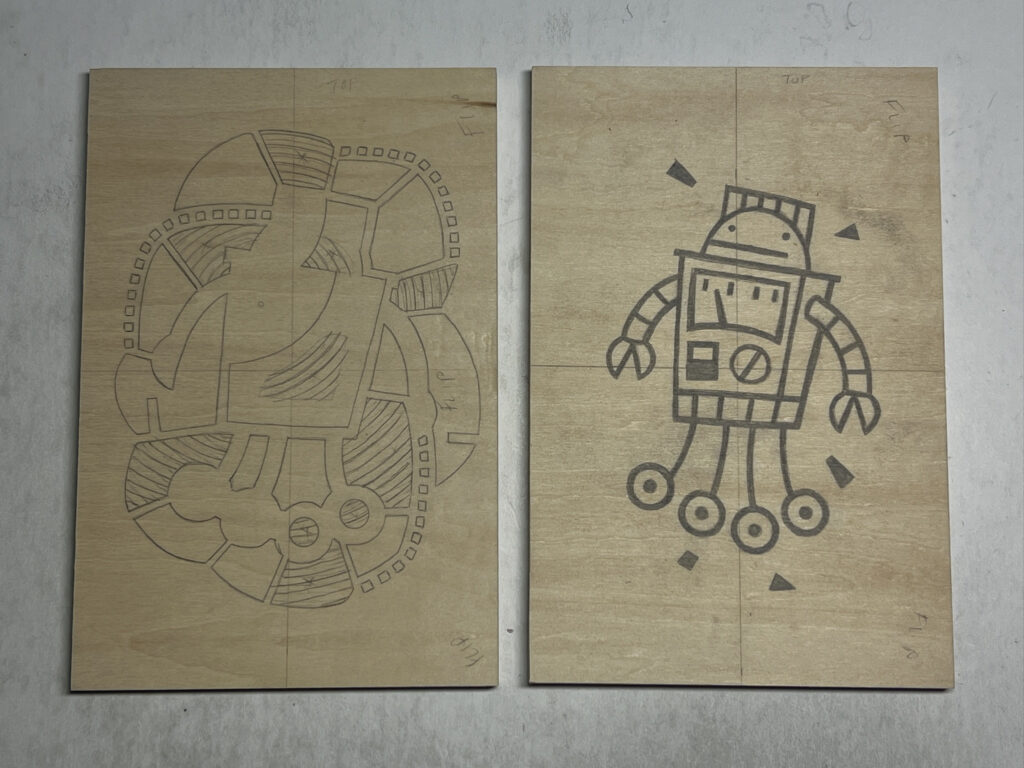
I sketch out my idea on paper, and I use tracing paper to figure out additional layers.
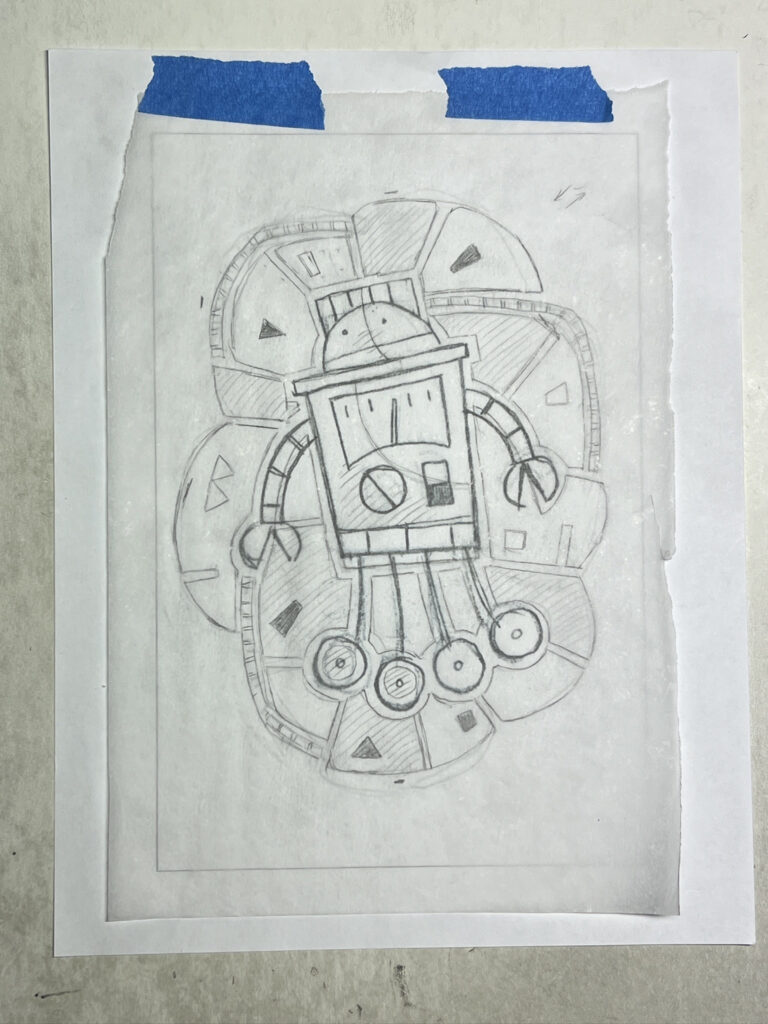
I scan the layers onto my computer, and I make a digital mockup for sizing/editing. I am trying GIMP (for the scanned images) and Inkscape (for the vector mockup) in an attempt to get away from the paid Adobe subscription pricing. I don’t use the digital tools enough to justify a pricey subscription.
I print out the image at scale (in this case, I made some pretty significant changes to the original design), and I scribble over the back of the image with a graphite stick.
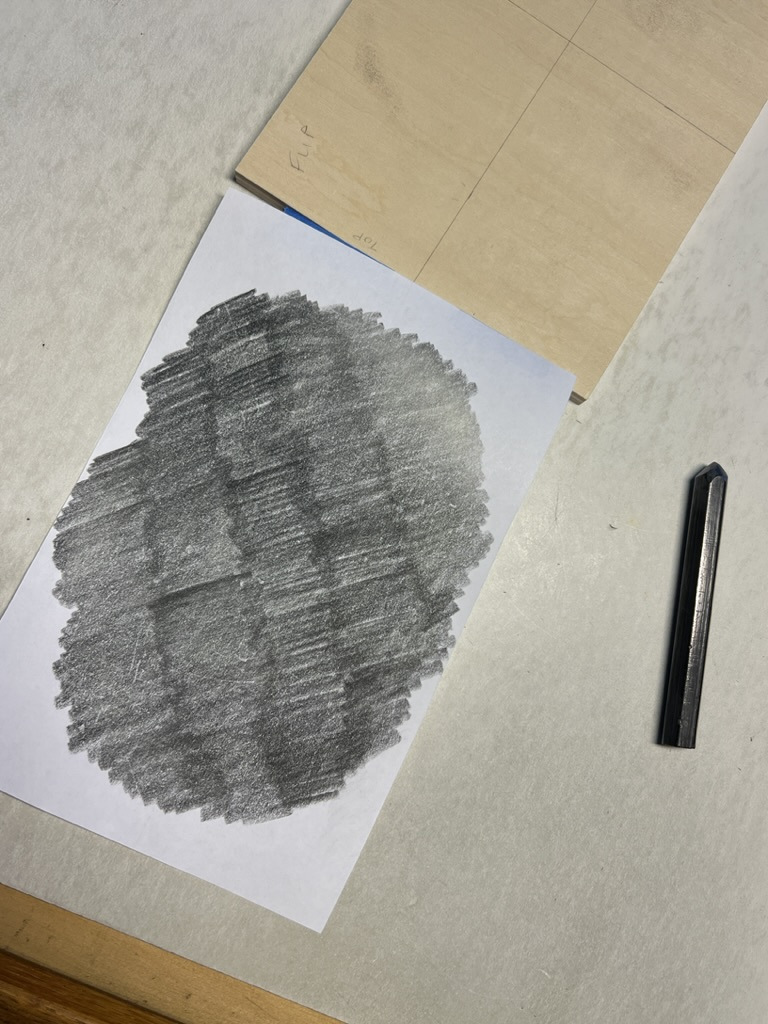
Next, I typically realize that I did not flip the image, and I repeat this step with the flipped image.
(When I buy new blocks, I write the word “flip” on them to remind me to flip the image before I actually transfer it to the block. Learning from mistakes!)
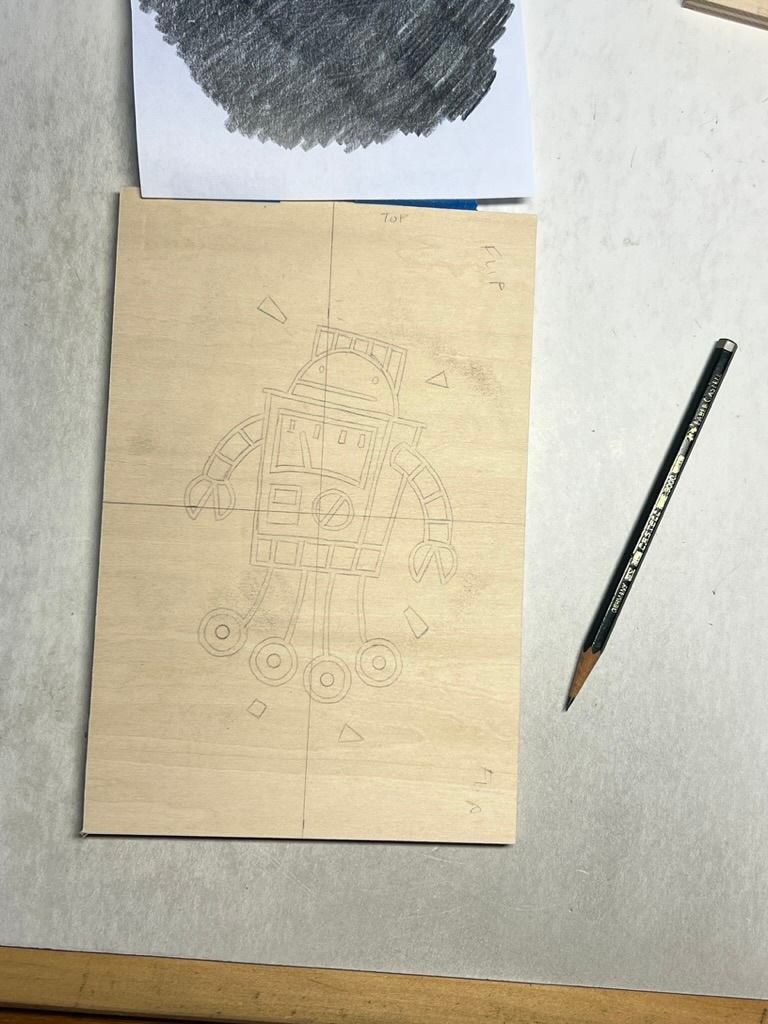
I’ve added guides to the vertical and horizontal centers of the image, and I do the same with the blocks. I attempt to get the image exactly centered on the block (i.e., rather than lining up the image with the left edge of the block). This accounts for minor variations in the block size (e.g., from cutting), and it helps get the registration as accurate as possible (with my registration process).
Once the image is taped down, I trace it with a 2H pencil. After removing the paper, I will go over the lines with a #2 pencil. I fill in the line work, and make other indications to guide the carving (e.g., where I am adding texture).
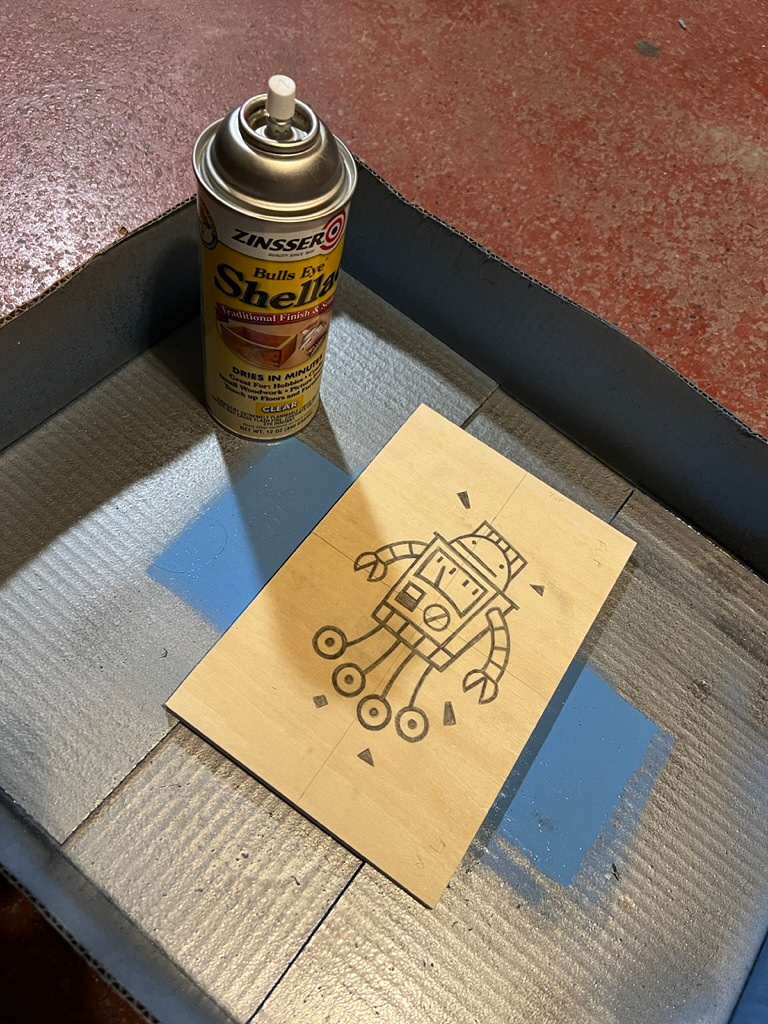
Finally, I coat the blocks with a think layer of shellac in my spray booth (i.e., a cardboard box on the garage floor) to keep the images crisp while carving.
Leave a Reply